 Baglio
Shopping, in your own order.
Your list learns
the way you shop.
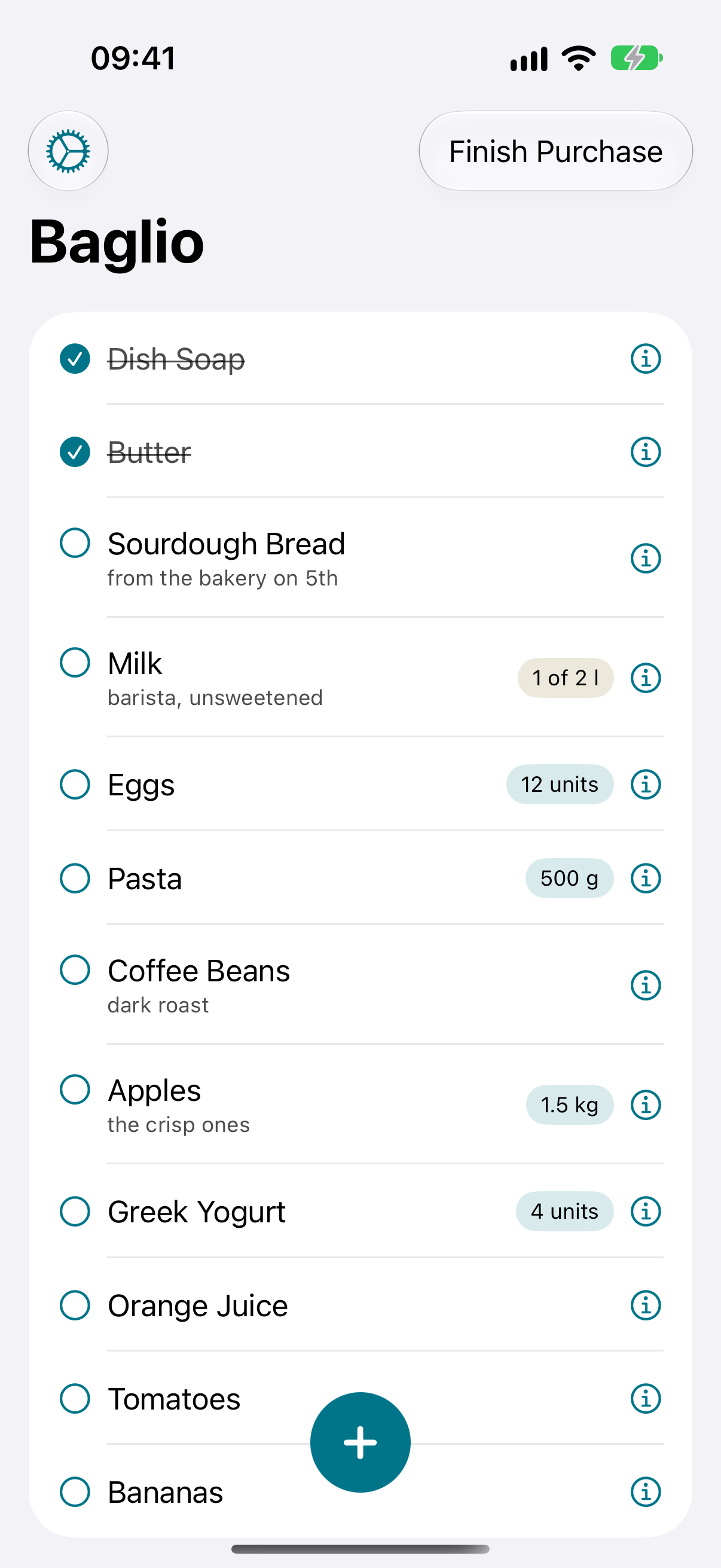
Add items as they come to mind. Baglio learns from your finished trips and sorts your next list into the order you usually walk through the store.
For iPhone, iPad, Mac, and Apple Watch.
App Store availability will be announced here.
A little better with every trip
Think of the groceries.
Let your list find its order.
Add what you need.
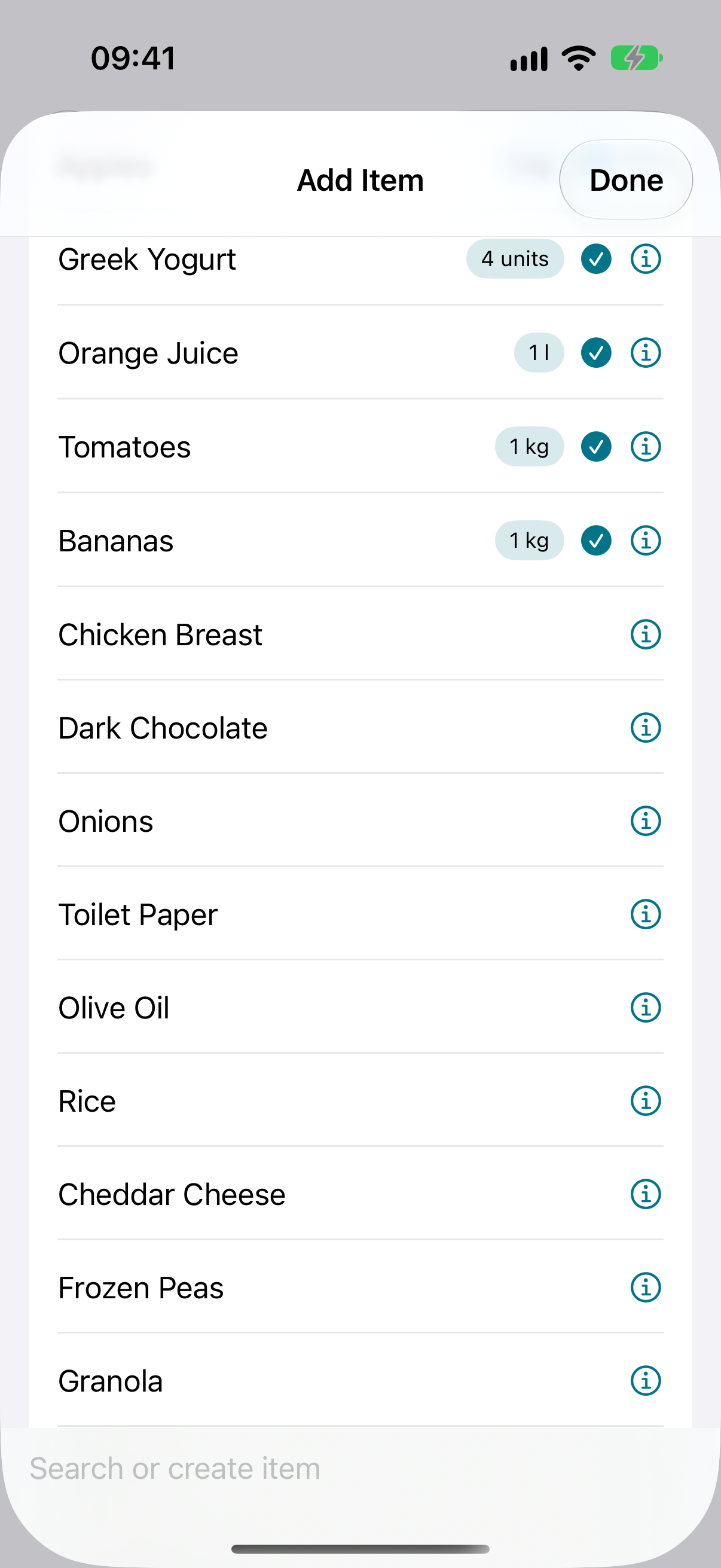
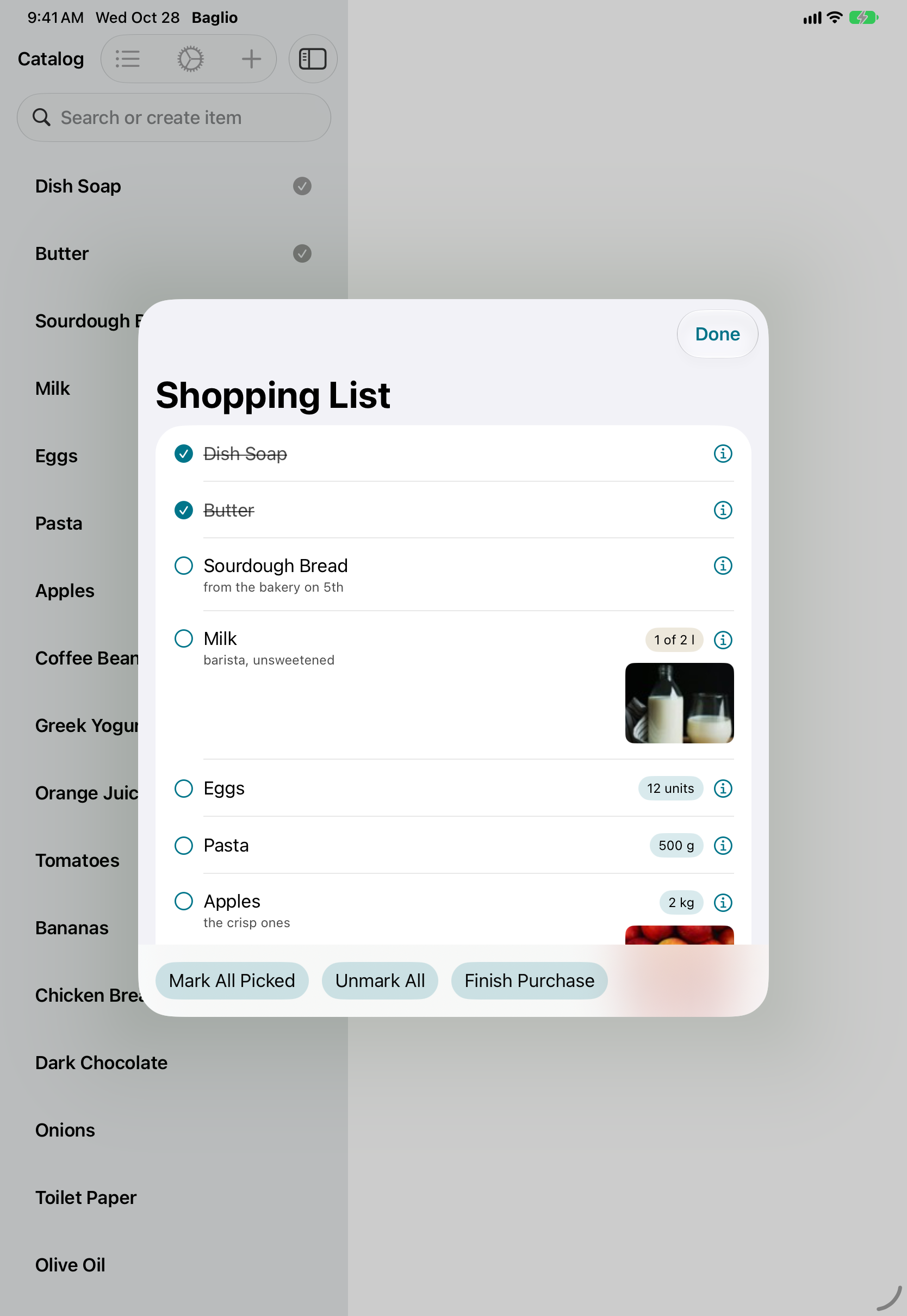
Search your reusable catalog or add something new. Paste several lines at once when you already have a list.
Shop your usual way.
Check off items as you pick them up. Adjust amounts along the way, then choose Finish Purchase when you’re done.
Come back to a smarter list.
Completed trips teach Baglio your buying order. Familiar items find their place as your history grows.
The small details, remembered
The right milk.
The usual bread.
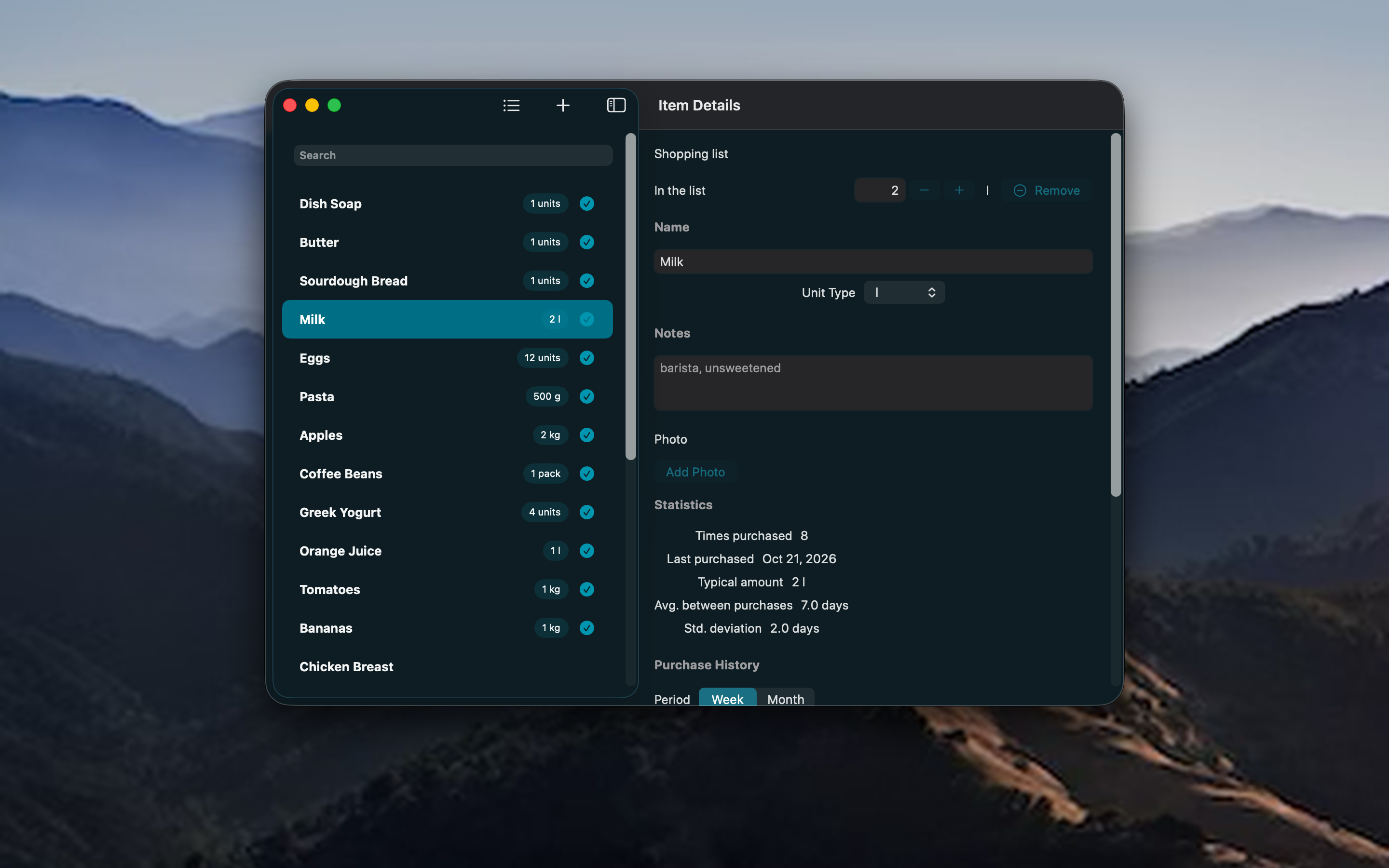
Keep a note about your favorite brand, add a photo, and choose a unit that makes sense. Your reusable catalog means you can find familiar items again without starting over.
- Notes, photos, units, and amounts
- Suggestions based on your shopping history
- Multiline paste for lists you already have
Item photos stay on the device where you add them; backup archives include them.
At home. At the store.
A list that fits your Apple devices.
Plan on a bigger screen, take your iPhone to the store, or check your list on Apple Watch. Widgets give you a quick view, and Siri and Shortcuts offer actions for adding and checking off items.
Your basic list works offline, with no Baglio account to create. Connect to iCloud in Settings when you want to synchronize supported devices. Apple Watch exchanges updates with its paired iPhone.
Learn about sync and sharing →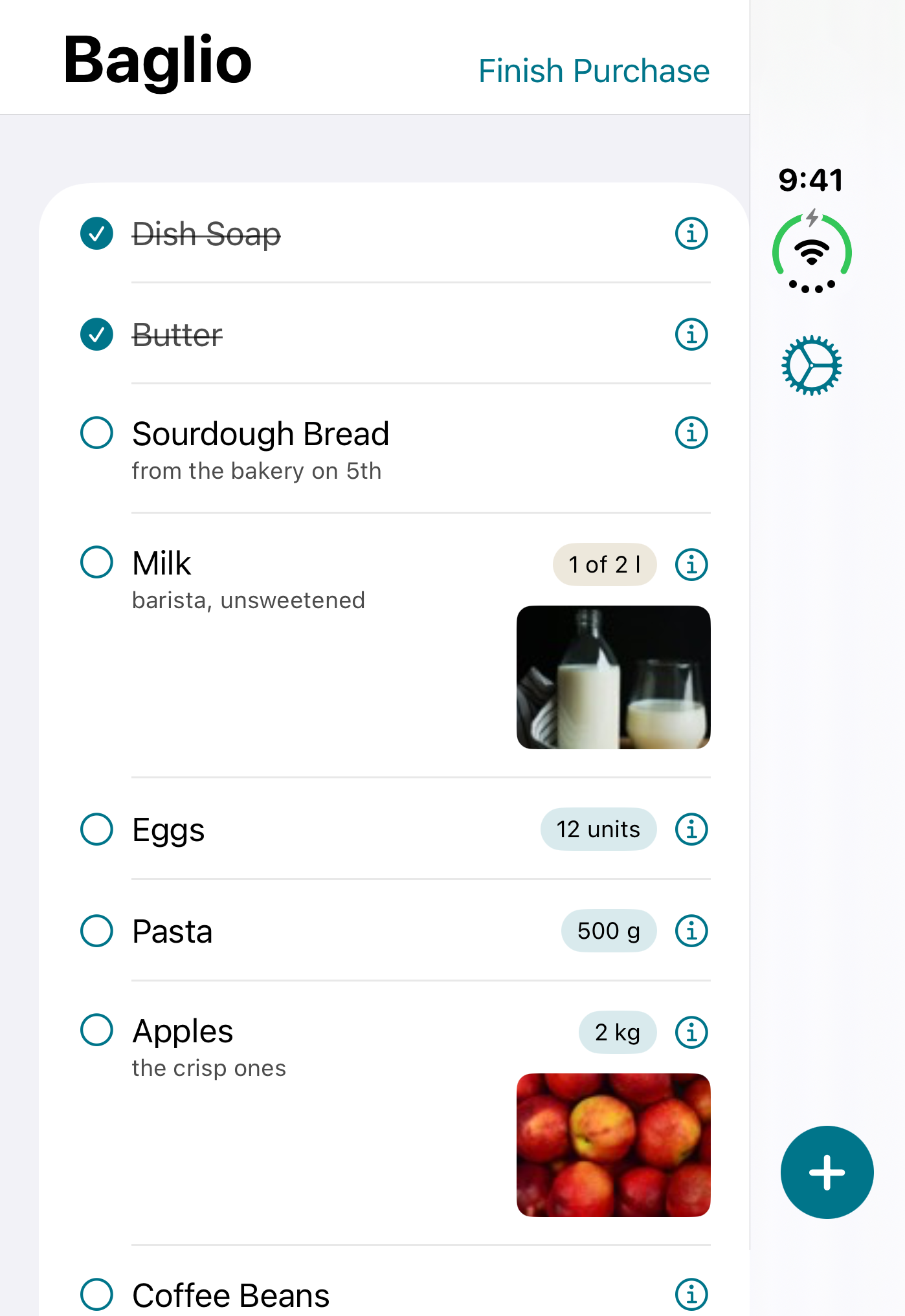
Go a little further
Keep the bigger picture
with Baglio Pro.
More than the next trip.
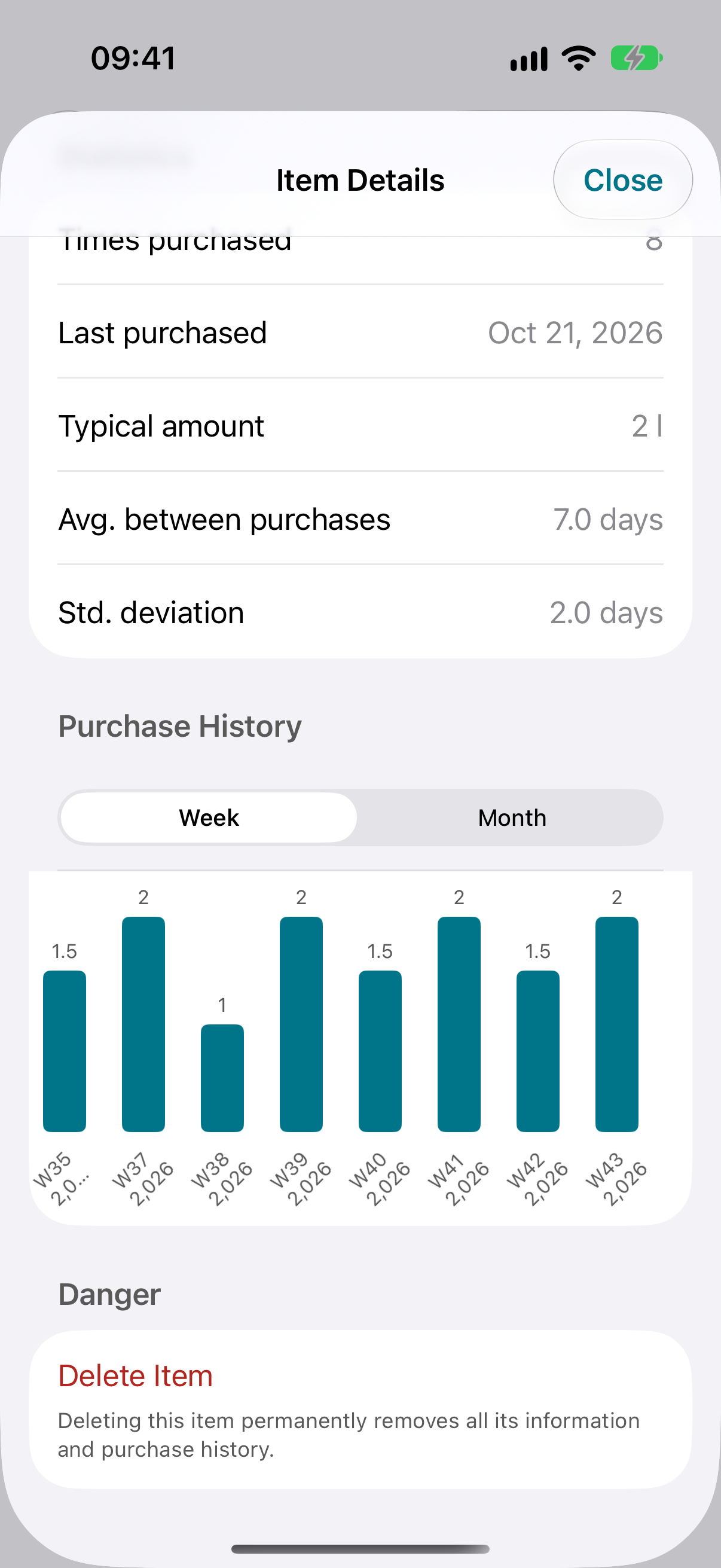
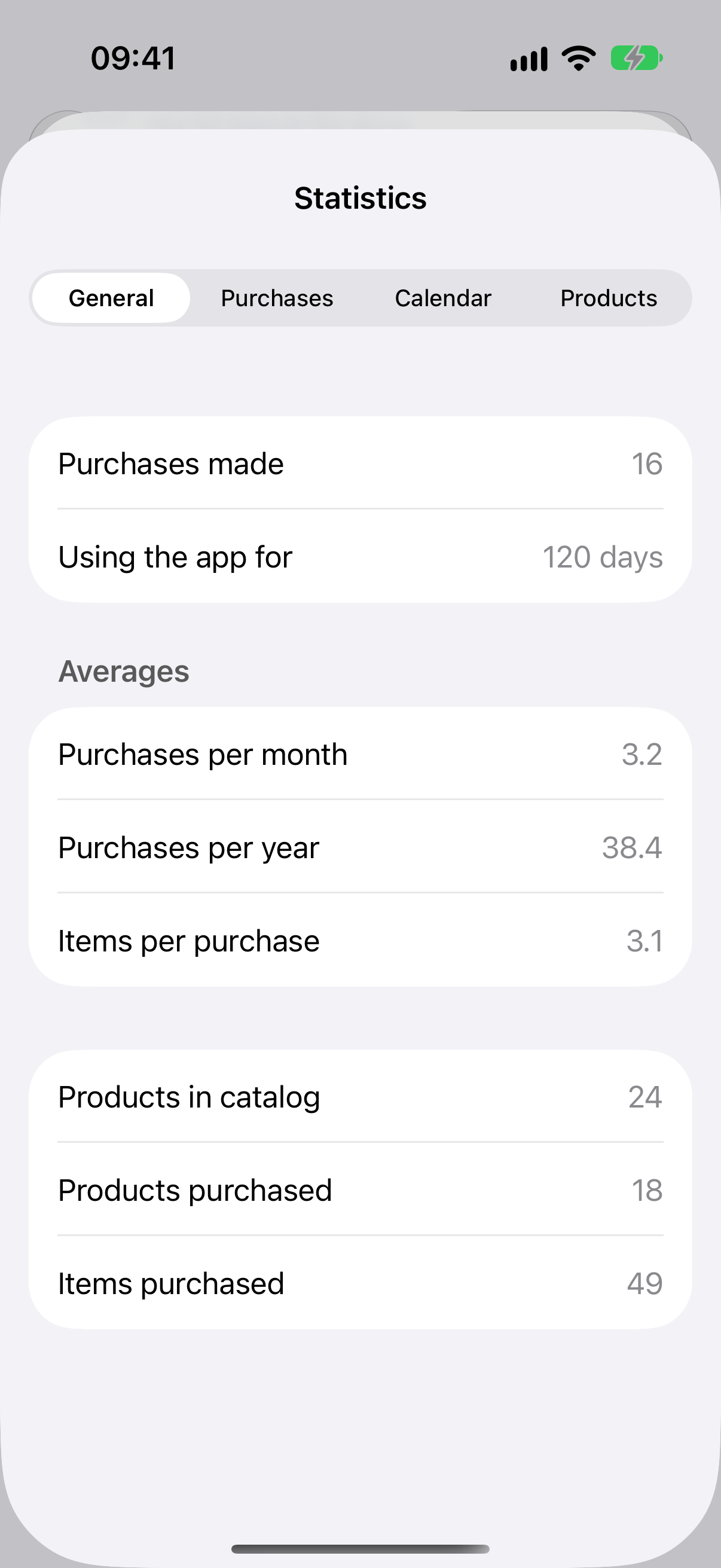
Explore purchase history and statistics, share a list, export a readable checklist, and back up or restore your data.
The basic shopping list and catalog remain available without Pro. You can restore an existing purchase in Settings.
What’s included in Pro →
Good to know
A few everyday questions.
How does Baglio learn my shopping order?
It uses the order recorded in your completed purchases. Check items off while shopping, then finish the purchase. New items find a better position as you buy them again.
Do I need an account or an internet connection?
No Baglio account is needed for your local list. Shopping works offline. Optional iCloud features require an Apple Account and connectivity to exchange updates.
Can I share a list?
Baglio Pro includes list sharing through iCloud. Connect in Settings, then choose Share List to invite someone. See the guide for setup and sharing controls.
What happens to my shopping data?
Your list and catalog are stored on your device. Optional sync uses Apple’s iCloud; sharing makes list data available to people you invite. Baglio has no advertising or third-party usage analytics. Read the privacy policy.
Here to help
Make yourself at home.
Find step-by-step guidance for your first trip, Apple Watch, Siri, backups, and more.