Catch the moment.
Sample anywhere on your Mac’s screen or with your iPhone’s camera. Save the color, name it, and keep it organized with groups and tags.
 Huebook
Capture a color. Shape a palette. Inspect the details. A creative toolkit for your screen, from first inspiration to finished work.
Start free. Make more room with a one-time Pro purchase.

#FFB703A staged Huebook workspace · live captures with product overlays
A small tool. A whole creative process.
There’s a lot between finding a beautiful shade and using it well. Huebook keeps your colors, palettes, and everyday tools together.
Sample anywhere on your Mac’s screen or with your iPhone’s camera. Save the color, name it, and keep it organized with groups and tags.
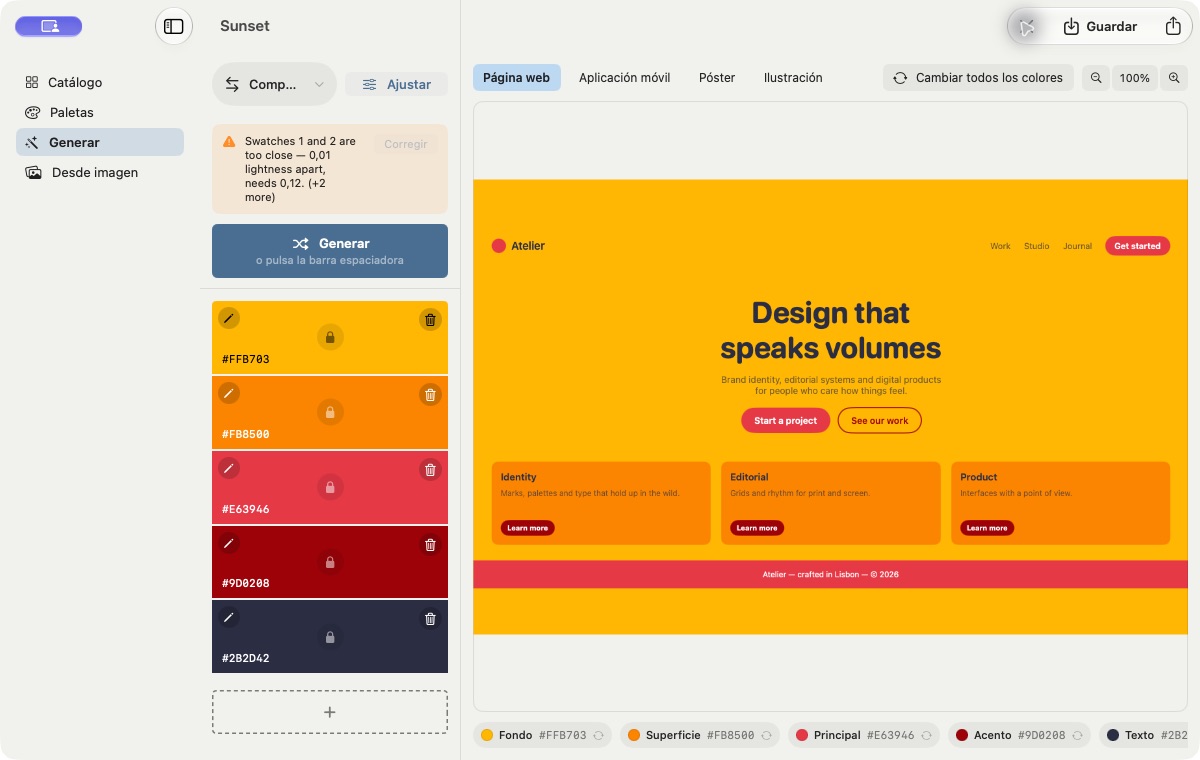
Choose a color harmony, lock your favorites, and adjust hue, brightness, vibrancy, saturation, and contrast. See the result in web, mobile, poster, and illustration previews.
Copy color values and export palettes into design and development workflows: CSS, SwiftUI, ASE, design tokens, SVG, and more.
Palette generator
Choose from eight harmony rules, keep your favorite colors locked, and let the rest evolve. Tune the whole palette without losing the idea that started it.
Live adjustments. One-click reset. Web, mobile, poster, and illustration previews.
More than a color library · Mac screen tools
Floating tools that stay with the work. Inspect color, explore accessibility, and check distances directly on your screen.
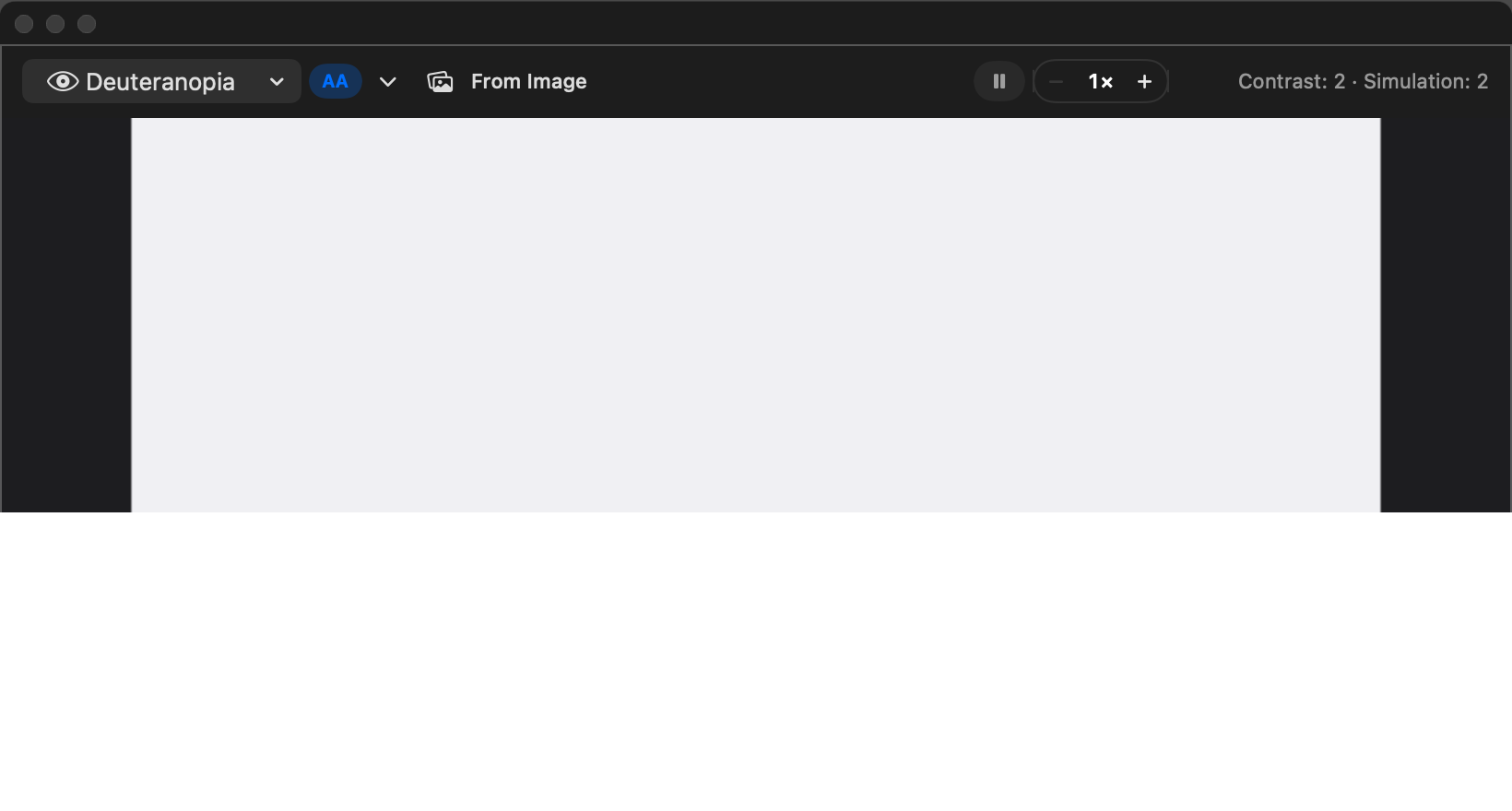
Move a floating scope over your screen to magnify details, simulate color-vision differences, and inspect detected text contrast. Freeze the view when you find something worth keeping.
Keep multiple rulers above your work. Rotate them horizontally, vertically, or to any angle, and resize from either end with precision controls.
Pixels and points. Calibrated millimeters, centimeters, and inches.
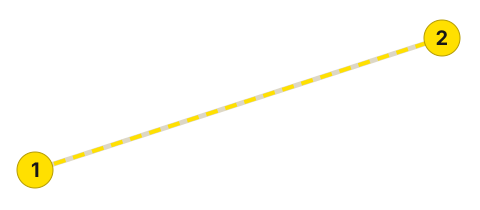
Place two endpoints, then read their straight-line, horizontal, and vertical distances. Refine markers with a magnified loupe and keep multiple measurements in the ledger.
Measurements stay on one display. Physical units use display calibration.
Sample a color anywhere on screen, then inspect its magnified detail and copy its value.
Made to leave the library
Move colors into code, editable vector swatches, professional color libraries, or shareable images. Export formats are included in the free tier.
CSS variables · Display P3 CSS · SCSS · Tailwind CSS · SwiftUI · JSON · design tokens
Adobe Swatch Exchange (ASE) · editable SVG swatches · Apple Color List (.clr, Mac)
Plain text · sRGB PNG · Display P3 PNG · HDR-to-SDR PNG · HDR OpenEXR
The same five colors.
Ready for your next project.
:root {
  --golden:    #FFB703;
  --tangerine: #FB8500;
  --poppy:     #E63946;
  --crimson:   #9D0208;
  --night:     #2B2D42;
}
Six palettes. Plenty of possibilities.
Sunset, Ocean, Forest, Pastel, Neon, and Mono. Each comes with Huebook, ready to explore alongside your own collections.
#FFB703#FB8500#E63946#9D0208#2B2D42A space that feels like yours
Huebook’s themes give your colors a home. Studio, Graphite, Sage, Rose, and Monochrome each bring a coordinated set of surfaces and accents. System follows your device’s appearance.
Website preview: Studio. Theme colors follow the app.
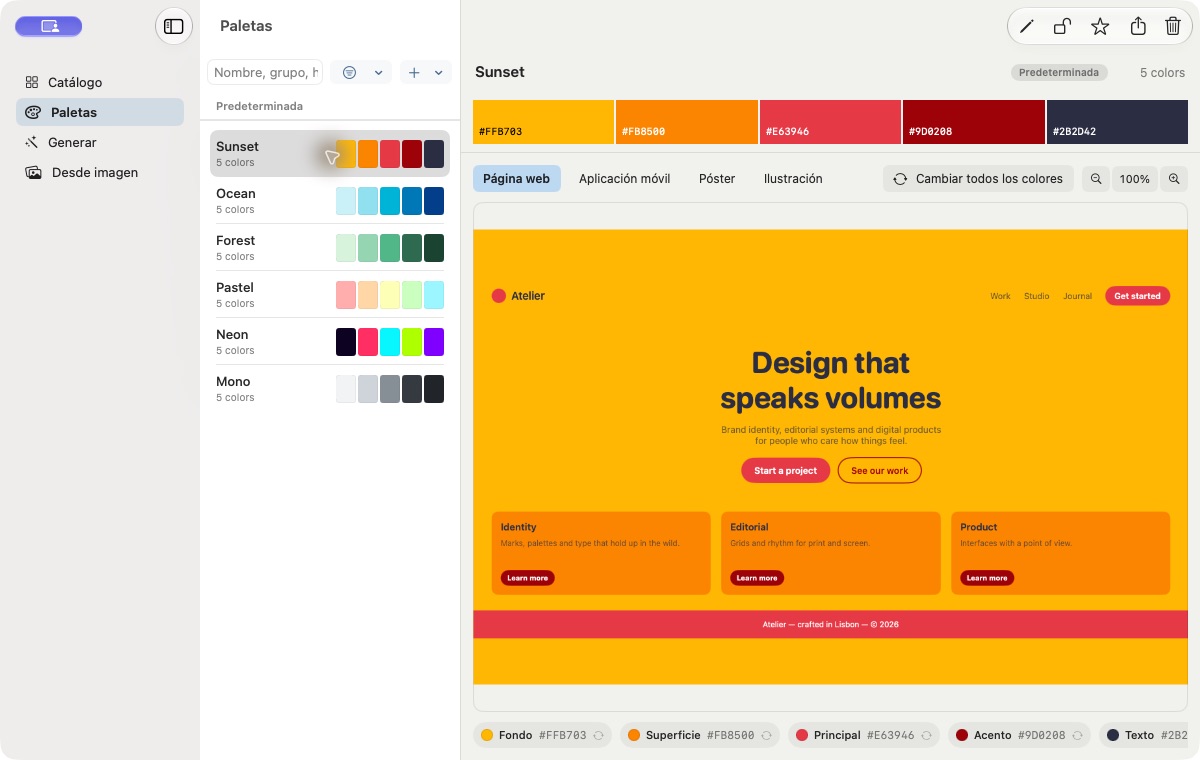
Real Mac app capture · Studio / Sunset
Keep your favorites. Make more.
A useful color toolkit from the first pick. A one-time upgrade when you want more ways to collect and create.
One purchase across Mac and iOS. Current pricing is shown in the app.
Your color library, palette generator, three saved palettes of your own, bundled palettes, basic pairwise contrast, and supported exports.
More saved palettes, palettes from images, iCloud sync, Color Scope, rulers, and point measurements beyond their trials, plus Shortcuts, Mac AppleScript, and MCP access.
Huebook support
Start here for the essentials, from your first color pick to restoring Pro.
Collect and organize colors, generate palettes, save three of your own palettes, and export in supported formats. Bundled palettes do not use those three slots. Some advanced tools have ten free uses per tool.
No. Pro is a one-time purchase shared across Mac and iOS. See the app for current pricing, and use Restore Purchases with the Apple Account that made the purchase.
Huebook is built for Mac, iPhone, and iPad. iCloud sync requires Pro and the same iCloud account on your devices. Your library remains available locally if iCloud is unavailable.
Screen Recording enables the precision sampler’s magnified pixel view. Input Monitoring enables wheel zoom and protects against clicks reaching the app underneath. Huebook uses the native system sampler when precision capture is unavailable.
Yes. Export CSS and Display P3 CSS, SCSS, Tailwind, SwiftUI, JSON, design tokens, SVG, ASE, plain text, PNG variants, and HDR OpenEXR. Mac also supports Apple Color Lists (.clr). Export is included in the free tier.
Huebook · Color, collected.